Documents & drawings
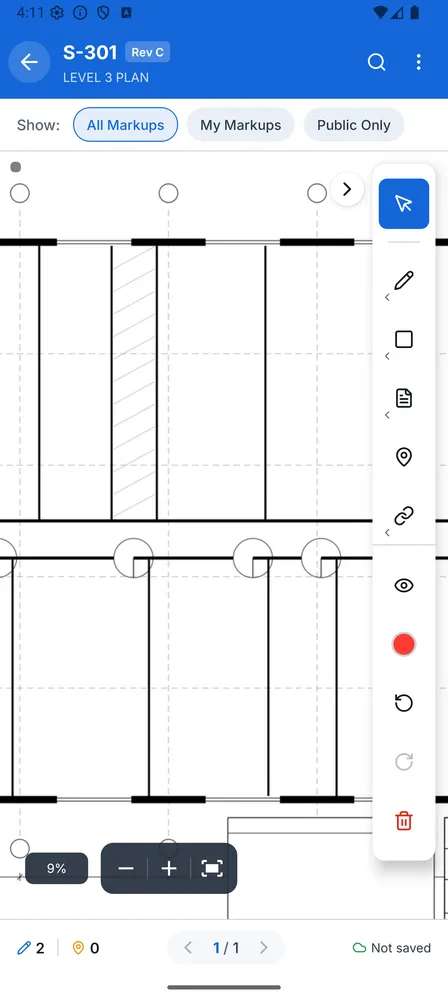
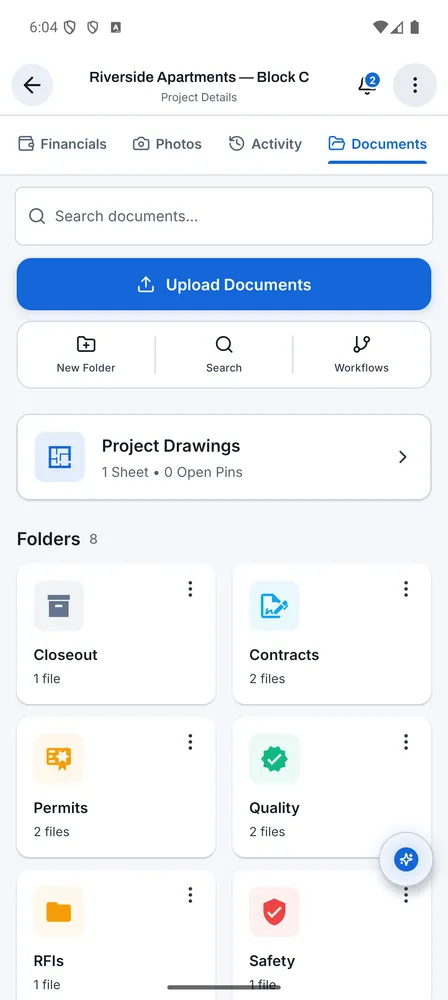
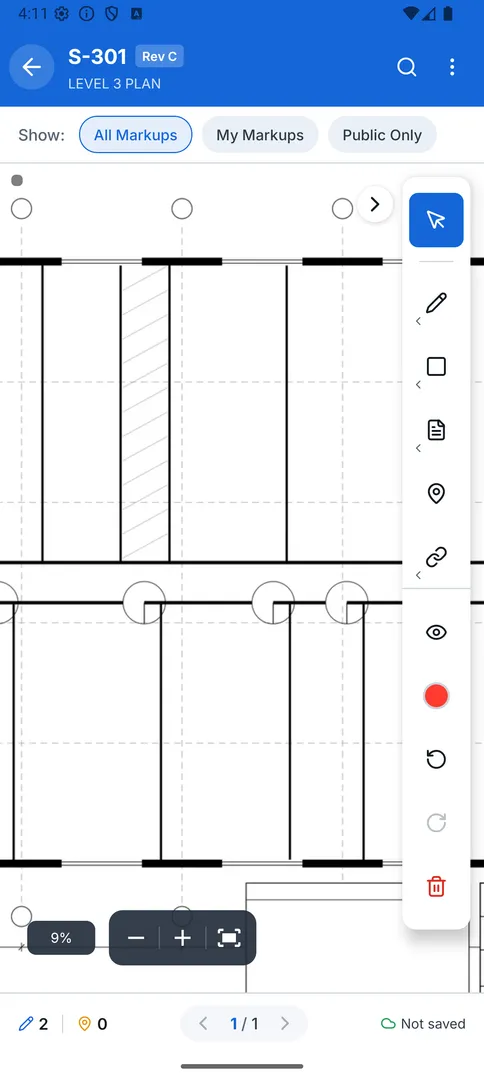
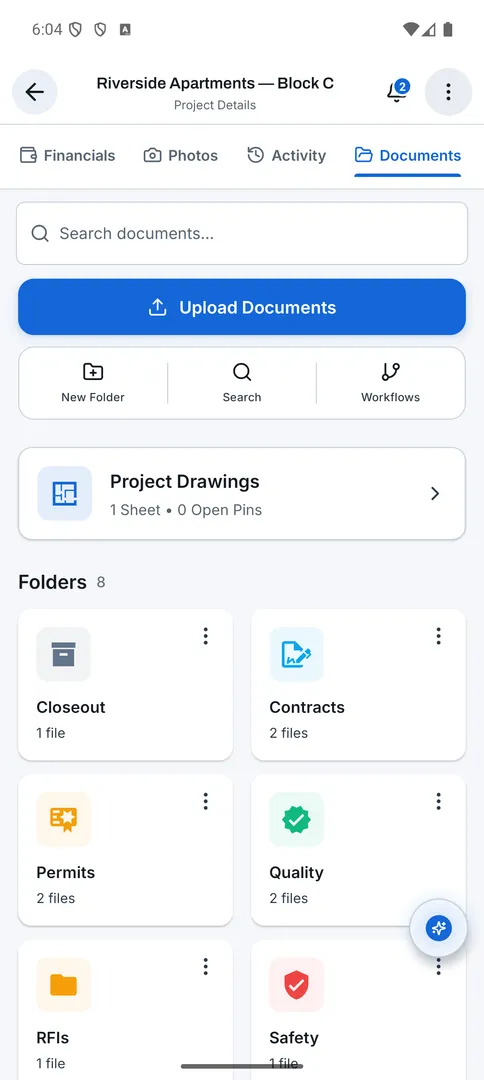
Konverge turns each drawing into a tile pyramid, so an A0 sheet pans and zooms at full resolution on a phone and stays cached for the site cabin. Markups, pins, revisions, QR sheet links, RFIs and approval workflows sit on top of the same sheet, and every one of them queues when there is no signal.
What’s on the sheet.
Tiles, not a PDF
Sheets are pre-cut into 512-pixel tiles on our servers. Only the tiles in view load, so pan and zoom stay smooth from 0.5× to 4× because the phone never decodes the whole sheet.
Mark it like a drawing
Pen, highlighter, line, arrow, rectangle, circle, revision cloud, text, stamps (approved, rejected, revised, reviewed, void) and a measure tool you calibrate once per sheet in feet, metres, inches or centimetres.
Nine kinds of pin
Task, issue, observation, photo, RFI, snag, inspection, info and question. Each carries photos, attachments, a checklist and its own thread, and can become a task.
Revision C over revision B
Upload a new revision and carry the markups forward. Stack two revisions with an opacity slider to see exactly what changed.
Print the sheet link on the board
Every sheet has a link and a QR code. Scanning it opens the current revision in the app, for signed-in members of the project only.
Download a folder for the week
Pin a sheet or a whole folder, subfolders included. Pinned sheets are never evicted from the 500 MB cache, and folder navigation works with no signal.
Three bands of search
Exact match on sheet numbers and names, full text inside extracted documents, and a related band that finds documents by meaning.
What is waiting on you
A company-wide inbox of documents awaiting your review or approval, across every project you are on.
RFIs with a thread
Spec section, response due date, cost and schedule impact, the linked drawing, a discussion, and an official answer recorded by whoever holds the ball.
Layered PDF export
Export a sheet, or a batch, as a PDF whose markups, pins and links are separate layers you can toggle in Acrobat.
Access rules and audit trail
Priority-ordered allow and deny rules per company or per project, trash with restore, and an audit trail of every change.
Questions about documents & drawings.
What file types can I upload?
PDF drawings and documents, plus images, spreadsheets and office files as attachments. Multi-page PDFs can be split into sheets on upload, and the app detects drawings by page count, file name and content so they are tiled automatically.
How big can a drawing be?
A0 and larger sheets are fine. Processing happens on our servers; a typical sheet is ready within a minute or two, and you can keep working in the meantime.
Can subcontractors see every drawing?
Only the folders you grant. Access rules apply per company or per project in priority order, and every change is in the audit trail.
Does it support ISO 19650?
The app supports ISO 19650 naming, CDE states (WIP, Shared, Published, Archive) and suitability codes S0 to S7 as an early-access feature. It supports the standard; it is not a certification.
Closed beta. Three to five contractors, starting now.
We’re putting Konverge on real sites before we put it on the store. Pilots run six to eight weeks on Android, free, with a permanent founding-customer discount afterwards.
Ask about the pilotinfo@getkonverge.com · reply next business day